How to choose a restriction tool
Phone restriction tools do not all do the same job. Some limit individual apps, some restrict navigation around the phone, and others block websites. Start by deciding what you want to make unavailable.
The other important difference is how you can change or end a restriction. An adjustable timer and a lock with exit conditions serve different needs. Before choosing a strict option, check that calls, authentication and work access can remain available.
This guide explains those differences, then compares features and prices across seven services. Family Link is designed for parental supervision, so consider it separately from tools for managing your own use.
What does the restriction actually cover?
- Individual apps
- Limit selected apps such as YouTube. If you also want to stop other apps or browsers, check their coverage separately.
- Free navigation around the phone
- Some tools restrict home-screen navigation. Compare essential-app access and what happens when you use Back or Home.
- Websites
- Restrict browser access or connections to domains. Website support does not automatically include embedded browsers inside other apps.
- Changes to your rules
- Protect against changes that weaken a restriction. Editing rules, ending a session and changing device permissions are separate checks.
Start with your main goal
- Start with free daily limits
Consider Digital Wellbeing or ScreenZen. Read the details
- Block apps by time or location
Compare AppBlock, Lock Me Out and Samatha. Read the details
- Restrict both phone and computer
Check supported platforms, including Freedom. Read the details
- Restrict home-screen navigation too
Check Samatha Screen Time and Lock Me Out’s modes. Read the details
Feature comparison
The table focuses on Android capabilities. A ○ does not mean the feature is free. Paid tiers and the scope of similarly named features differ.
- ○ Feature documented
- △ Conditional or limited scope
- × Not supported for this criterion
- ? Not established from reviewed sources
Scroll the table horizontally. The left-hand criteria stay visible as you compare.
| Criterion | Digital WellbeingOfficial source | Family LinkOfficial source | AppBlockOfficial source | FreedomOfficial source | ScreenZenOfficial source | Lock Me OutOfficial source | SamathaOfficial source |
|---|---|---|---|---|---|---|---|
| Restrict selected apps | ○Timers | ○Parent managed | ○App blocking | ○App blocking | ○Usage sessions | ○Lockouts | ○App blocking |
| Scheduled restrictions | ○Focus mode | ○Downtime | ○Schedules | ○Premium | ○Time schedules | ○Schedules | ○Time/day rules |
| Restrict websites | △Chrome timers | △Chrome controls | △Supported browsers | △Supported browsers | △Accessibility | ○Website blocking | △Domains; DNS conditions |
| Protect against weakening rules | △Check PIN coverage | △Supervision conditions | ○Strict Mode | △Session termination | ?Not established | ○Premium tamper protection | ○Lock Mode |
| Location-triggered blocking | ?Not established | ?Not location reporting | ○Location schedules | ?Not established | ?Not established | ○Premium | ○Location permission needed |
| Retain essential apps | △Apps outside limits | ○Unlimited-time apps | ○Allowlist | ?Android allowlist unverified | ?Dedicated allowlist unverified | ○Allowed-app mode | ○Phone + allowed apps |
| Block desktop apps too | ×Android built-in tool | △Chromebook; conditions apply | △Desktop browser extension | ○Mac + Windows | ?Not established here | ×Android app | ×Currently Android only |
Website blocking does not automatically establish coverage of LINE or other in-app browsers. Preventing session termination is different from protecting Android permission changes. The number of ○ symbols is not a performance ranking.
Free, monthly and annual costs
Compare free access separately from paid plans. USD figures are official website displays; JPY figures are Japan references. Currency conversion is not presented as a verified local price.
Scroll the table horizontally. The left-hand criteria stay visible as you compare.
| App | Free or paid | Monthly | Annual | Lifetime / extra costs | Price conditions & source |
|---|---|---|---|---|---|
| Digital Wellbeing | Free | 0 | 0 | Not required | Built-in Android tools; availability varies by device. Official source |
| Family Link | Free | 0 | 0 | Not required | Parental supervision, not a like-for-like adult self-control tool. Official source |
| AppBlock | Free + Premium | US$4.99/month | US$29.99/year | US$89.99 lifetime | Official website USD pricing. Free usage has limits; local Play pricing may differ. Official source |
| Freedom | Free + Premium | US$8.99/month | Yearly: US$3.33/month equivalent | US$99.50 lifetime sale | Annual billed total not verified. Listed regular lifetime price: US$199. Website USD sale pricing can change. Official source |
| ScreenZen | Free core app | No required monthly subscription | No required annual subscription | Optional donations/purchases | Official site states no subscription. Separate Halo hardware is not included. Official source |
| Lock Me Out | Free + Premium | Monthly plan; amount unverified | Annual plan; amount unverified | One-time plan; amount unverified | Numeric prices are not published on the reviewed official page; check in-app checkout. Official source |
| Samatha | Premium; trial eligibility in-app | Japan reference: ¥500/month | Japan reference: ¥4,800/year | Immediate unlock: reference ¥1,200/use | Japan reference from September 2026 Play verification. Immediate unlock is separate from Premium, not a lifetime license. Current/local pricing must be checked in Play checkout. Official source |
Freedom’s US$3.33 is the monthly equivalent of annual billing, not a verified annual total. Numeric Lock Me Out prices are unverified. Samatha’s ¥1,200 reference is per immediate unlock, not lifetime Premium. Always check final checkout terms.
Features and checks for all 7 apps
Similar labels can hide different exceptions and exit rules. Here are the main distinctions and checks to make before choosing.
Digital Wellbeing
Start with Android’s built-in limits
- Features
- Use Android app timers, Focus mode and Chrome site timers for everyday limits.
- Who it may suit
- People who want to start with built-in tools and no additional fee.
- What to check first
- Ordinary app timers can be deleted by the user. Google also documents an app-limit PIN; check device-specific coverage and override steps rather than assuming no PIN exists.
- Reference pricing
- Access Free
- Monthly 0
- Annual 0
- Lifetime / extra costs Not required
Built-in Android tools; availability varies by device.
Compare pricing conditions
Family Link
Parental supervision is a different use case
- Features
- Parents manage a child’s apps and screen time. This is a separate service from Digital Wellbeing.
- Who it may suit
- Parents managing a child’s device, rather than adults restricting their own use.
- What to check first
- Separate parent and child Google accounts are required, with age, country and device conditions. Location reports and arrival alerts are not location-triggered blocking.
- Reference pricing
- Access Free
- Monthly 0
- Annual 0
- Lifetime / extra costs Not required
Parental supervision, not a like-for-like adult self-control tool.
Compare pricing conditions
AppBlock
Schedules, location rules and Strict Mode
- Features
- App and website blocking, time and location schedules, an allowlist and Strict Mode are documented.
- Who it may suit
- People comparing scheduled or location-based rules and configurable protection against changes.
- What to check first
- Device-settings blocking is an additional option, not inevitable in Strict Mode. Check free-tier limits and supported browsers for website blocking.
- Reference pricing
- Access Free + Premium
- Monthly US$4.99/month
- Annual US$29.99/year
- Lifetime / extra costs US$89.99 lifetime
Official website USD pricing. Free usage has limits; local Play pricing may differ.
Compare pricing conditions
Freedom
Block distractions across phone and computer
- Features
- Use synchronized sessions across Android, Mac, Windows and other supported platforms. Premium includes scheduling and Locked Mode.
- Who it may suit
- People who need restrictions on a computer as well as a phone.
- What to check first
- Features differ by OS. Preventing session termination is not the same as protecting Android permissions. Check supported Android browsers and the final billed total.
- Reference pricing
- Access Free + Premium
- Monthly US$8.99/month
- Annual Yearly: US$3.33/month equivalent
- Lifetime / extra costs US$99.50 lifetime sale
Annual billed total not verified. Listed regular lifetime price: US$199. Website USD sale pricing can change.
Compare pricing conditions
ScreenZen
Introduce a pause before opening an app
- Features
- Pauses before opening apps, usage sessions and time schedules introduce a break before habitual use.
- Who it may suit
- People who want to interrupt habitual opening and start with a free core app.
- What to check first
- Android website blocking uses Accessibility. Settings protection, location-based blocking and LINE browser coverage were not established from the reviewed sources; unverified does not mean unsupported.
- Reference pricing
- Access Free core app
- Monthly No required monthly subscription
- Annual No required annual subscription
- Lifetime / extra costs Optional donations/purchases
Official site states no subscription. Separate Halo hardware is not included.
Compare pricing conditions
Lock Me Out
Lockouts based on time, usage and location
- Features
- Block selected apps, allow selected apps or restrict access to the lock screen, with time, usage and location conditions.
- Who it may suit
- People considering usage-triggered lockouts with specific app or screen-access exceptions.
- What to check first
- Location conditions and tamper/uninstall protection require Premium. Numeric prices are unverified; check checkout, exit conditions and essential access in the app.
- Reference pricing
- Access Free + Premium
- Monthly Monthly plan; amount unverified
- Annual Annual plan; amount unverified
- Lifetime / extra costs One-time plan; amount unverified
Numeric prices are not published on the reviewed official page; check in-app checkout.
Compare pricing conditions
Samatha
Restrict screen access and protect your rules
- Features
- App blocking, Screen Time, a domain filter and time/location rules are available. Lock Mode protects changes that weaken restrictions and displays elapsed days.
- Who it may suit
- People who want to limit apps, free phone navigation and changes to their own rules, while keeping phone and allowed apps available.
- What to check first
- Currently Android only. Permissions and location availability affect operation. Domain-level blocking is not video-level filtering or a guarantee across every device/network method. Check exit conditions and separate unlock charges before starting.
- Reference pricing
- Access Premium; trial eligibility in-app
- Monthly Japan reference: ¥500/month
- Annual Japan reference: ¥4,800/year
- Lifetime / extra costs Immediate unlock: reference ¥1,200/use
Japan reference from September 2026 Play verification. Immediate unlock is separate from Premium, not a lifetime license. Current/local pricing must be checked in Play checkout.
Compare pricing conditions
Samatha’s limitations
- No iPhone or desktop blocking
Samatha currently runs on Android. Choose a cross-platform service if you need to restrict several operating systems.
- No content-level filtering within a domain
The domain filter targets domains, not an individual video or page within the same site.
- DNS does not guarantee universal browser coverage
Blocking depends on traffic using Samatha’s Private DNS. Apps with their own DNS or networking behavior, including embedded browsers, require testing on your device.
- Permissions and location services matter
Disabled required permissions or unavailable location data can prevent correct operation. Samatha does not guarantee a bypass-free result on every device.
- Immediate unlock is separate from Premium
Early exit has conditions. Normal Lock also offers a 24-hour lock route. Emergency access is not a full unlock for editing settings. Read the in-app explanation and costs before starting.
Who Samatha may suit
Consider Samatha if you want to address not only specific apps, but also habitual phone use and the urge to weaken your own rules. Screen Time restricts free navigation while retaining essential apps.
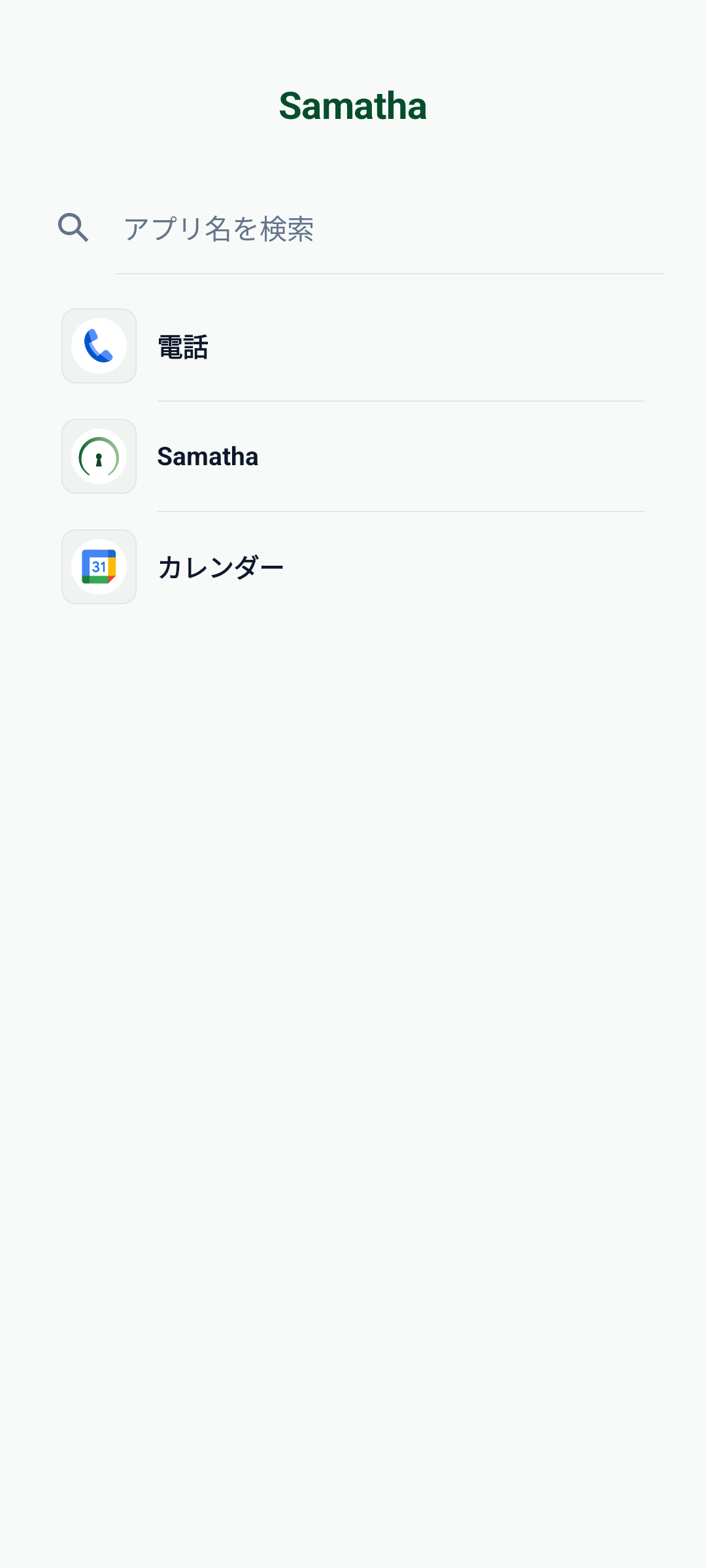
Check calls, authentication, transport and work access first, then start with a short configuration. The right tool is the one that fits the rules you want to keep, not simply the strictest option.
General availability notice: the Samatha version described on this site is in closed testing. Its Google Play page may not be accessible to accounts outside the test.
See Samatha’s features (Japanese)Official sources
- Google: Digital Wellbeing
- Google: Family Link
- Google: Family Link accounts & requirements
- AppBlock: Android
- AppBlock: Premium
- Freedom: plans & platform comparison
- Freedom: supported Android browsers
- ScreenZen: official website
- ScreenZen: developer description on Google Play
- Lock Me Out: features & Premium
- Samatha: official website
Competitor facts use the official sources above. Samatha information uses the current app, official website and internal Play verification records. Changes to pricing or features require rechecking.